Sending money
Three ways to send, all from the same screen: to someone else on DXL Digital, to any bank account or mobile wallet in Pakistan, or through Raast.
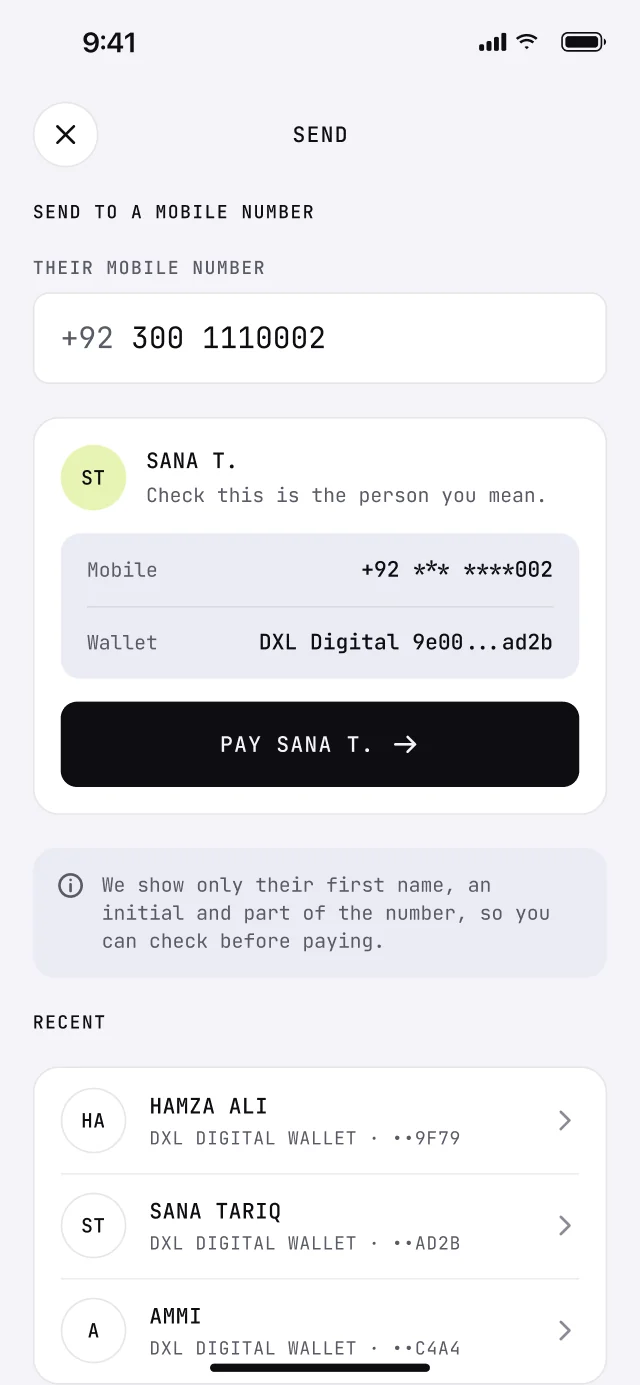
To someone on DXL Digital
Find them by mobile number, username or from your contacts. You see a masked version of their name before you pay, so you know it is the right Sana.
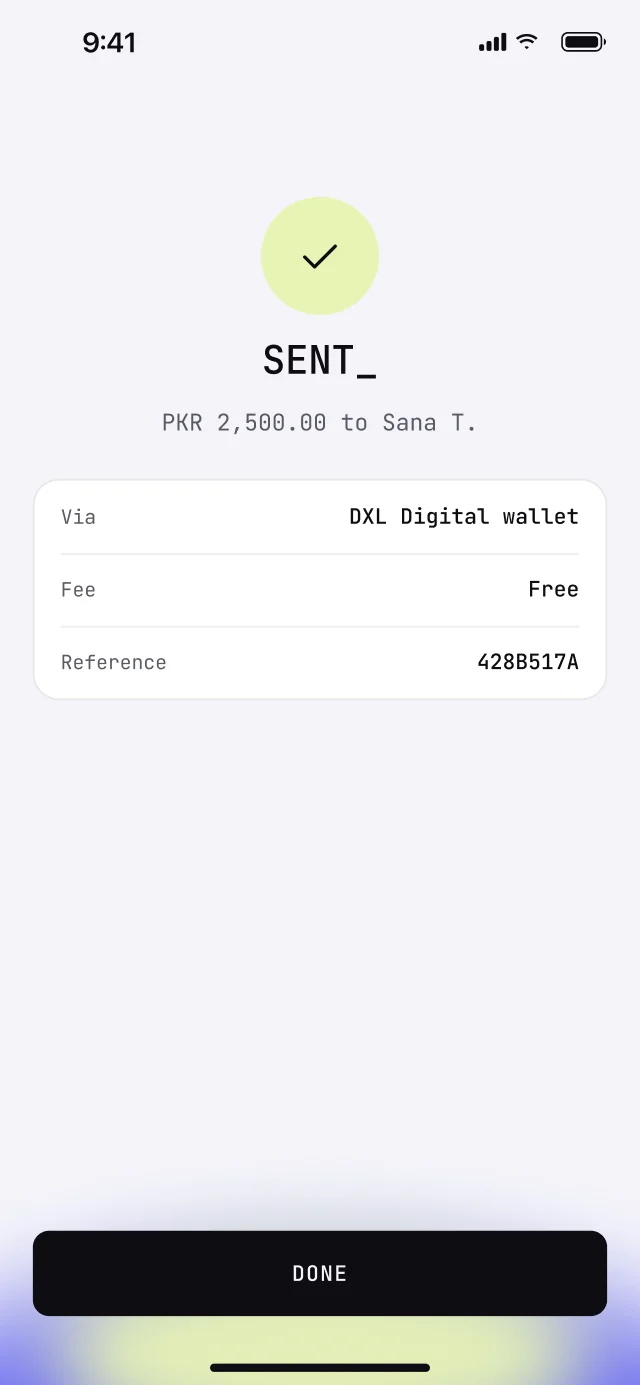
The money lands straight away, day or night, and you both get a receipt.
- 01Search by number, username or contact
- 02Arrives instantly, including weekends
- 03Add a note so you both remember what it was for
- 04Request money or split a bill
Daily and monthly limits depend on your account level.
To a bank account or mobile wallet
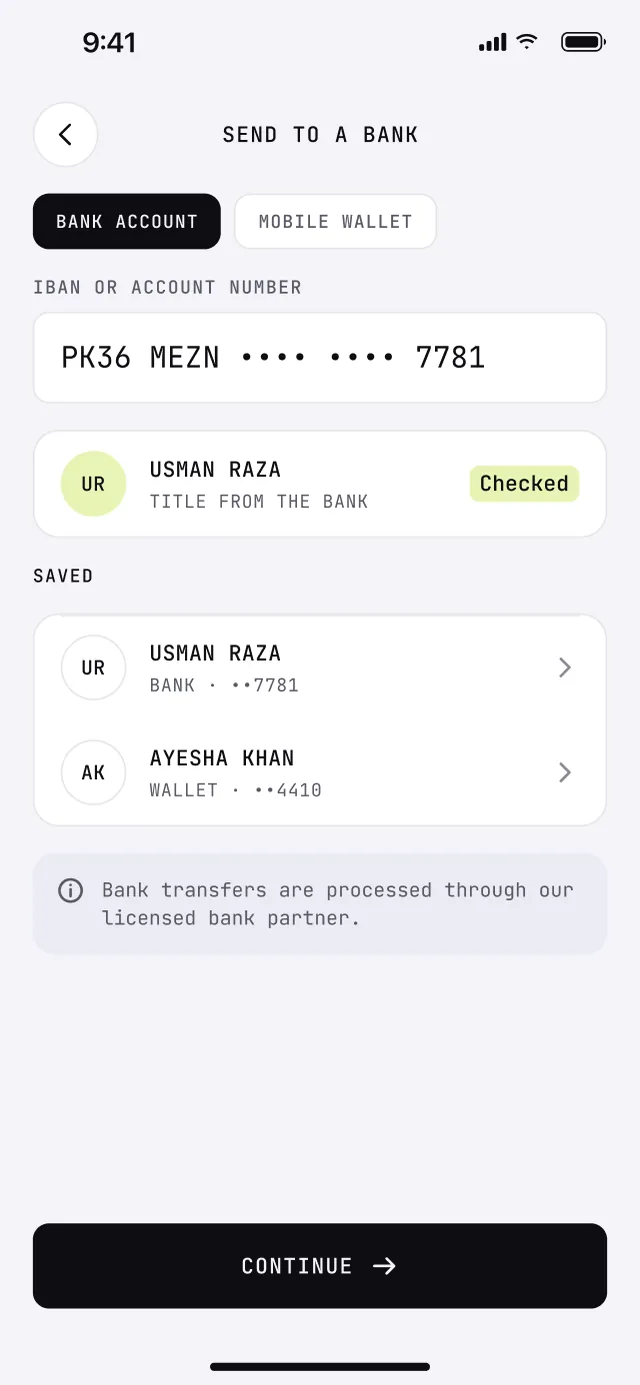
Use an IBAN, an account number or a wallet number. Before you confirm, the app shows the account title the bank has on record.
People you pay often are saved, and any past transfer can be repeated from your history.
- 01Any bank account by IBAN or account number
- 02Mobile wallets by wallet number
- 03Account title check before you send
- 04Saved recipients and one tap repeats
Bank transfers are processed through our licensed bank partner.
Through Raast
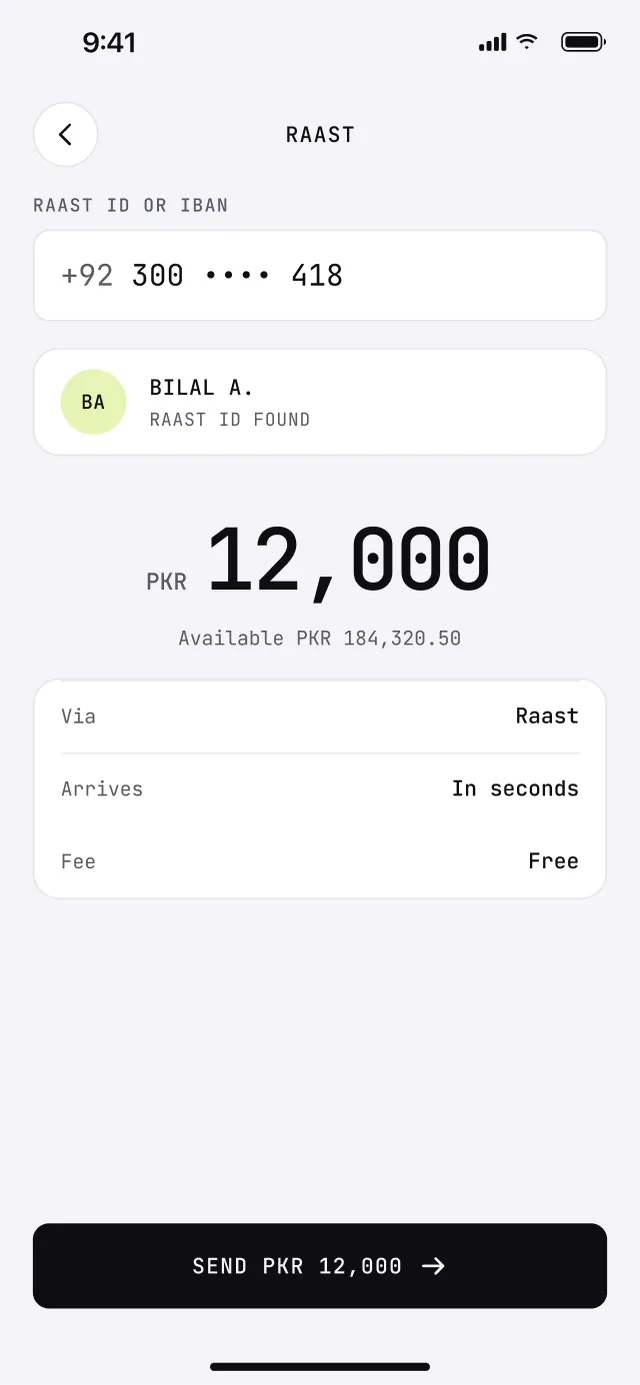
Raast is the State Bank of Pakistan's instant payment system. Send to a Raast ID, which is usually the person's mobile number, or to any IBAN. It settles in seconds.
Your own mobile number works as your Raast ID, so people can pay you the same way.
- 01Pay a Raast ID or an IBAN
- 02Receive with your mobile number
- 03Settles in seconds, any hour
- 04Every receipt carries a Raast reference
Raast is run by the State Bank of Pakistan.
04Send money
Try a transfer
Pick how to send, who to and how much. The phone on the right updates as you go. Nobody here is real and no money moves.
Arrives instantly. In the real app you confirm with your face or fingerprint.
The same thing in the real app
- 01Find themBy number or username. The masked name tells you it is the right person.
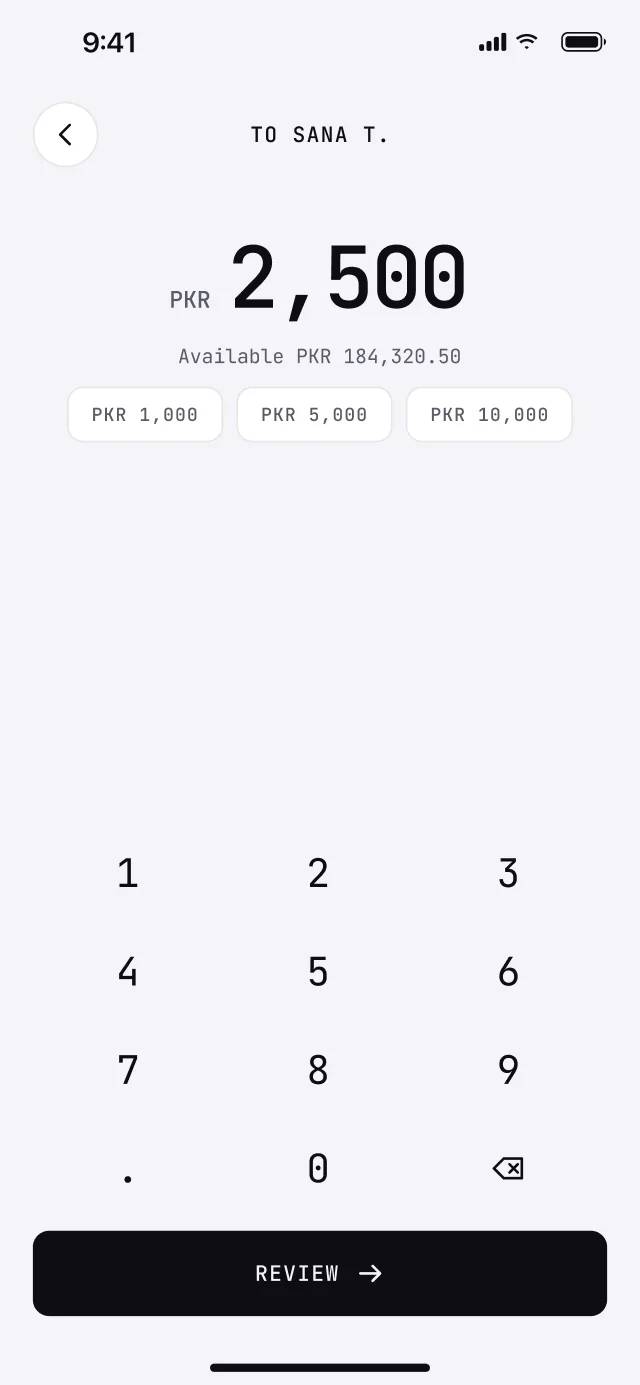
- 02Enter the amountYour available balance is shown while you type.
- 03Check itWho gets it, how much, and when it arrives.
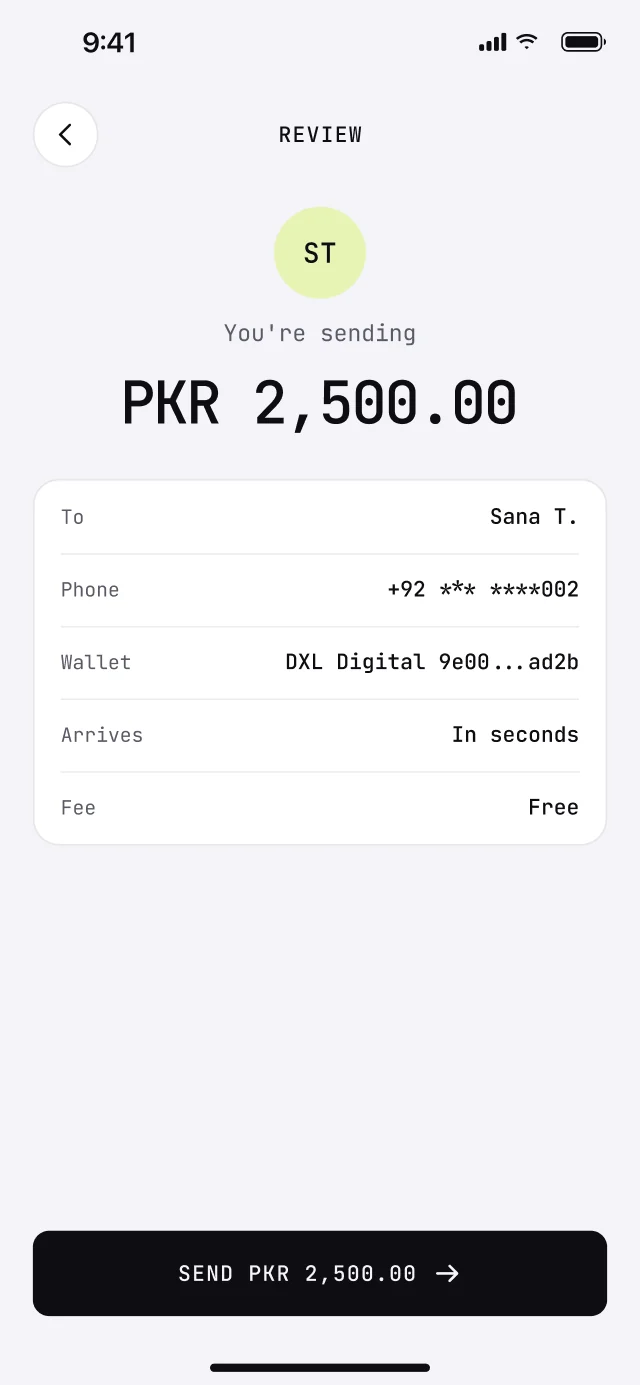
- 04ConfirmFace, fingerprint or a one time code. Both of you get a receipt.
Want an account when we open?
We are opening in stages. Leave your number and we will message you when it is your turn.